Guides
Network Cleaner takes two steps to put to work. From there, these guides cover everything else the app does, from tags and exports to your LinkedIn inbox.
Start here
Two steps between installing and a cleaner network.
- 1Getting started
How to Get Started Cleaning Your LinkedIn Network
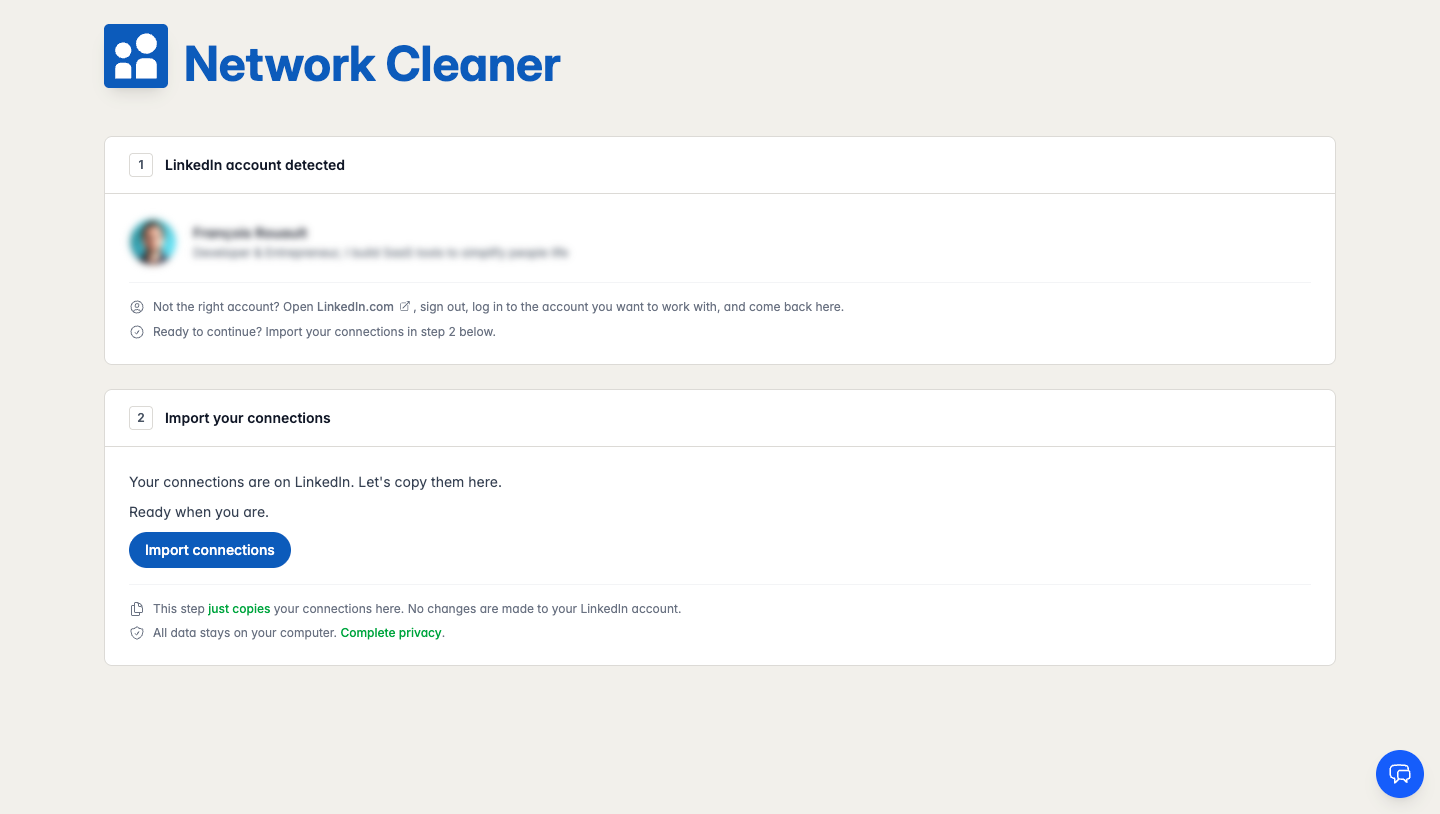
Install Network Cleaner, let it detect your LinkedIn account, and import your connections. No password, no signup. You are ready in under a minute.
- 2Network cleanup
How to Clean Up Your LinkedIn Network
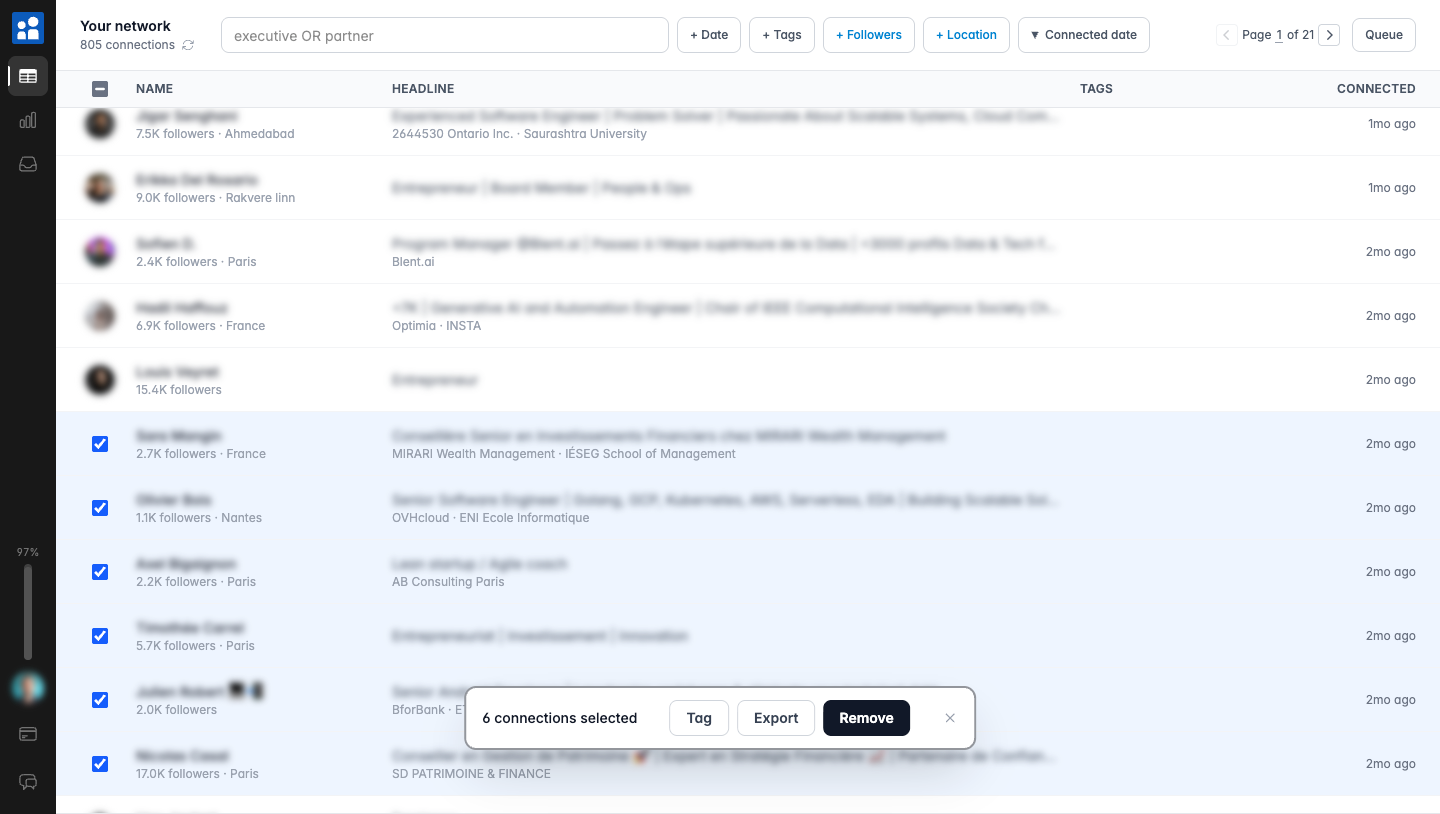
A step-by-step workflow to clean up your LinkedIn network: find the connections that no longer matter, select them in bulk, review, and let removal run automatically in the background.
Go further with your network
Optional. Take them in any order, or skip them entirely.
- Organization
How to Organize Your LinkedIn Connections with Tags
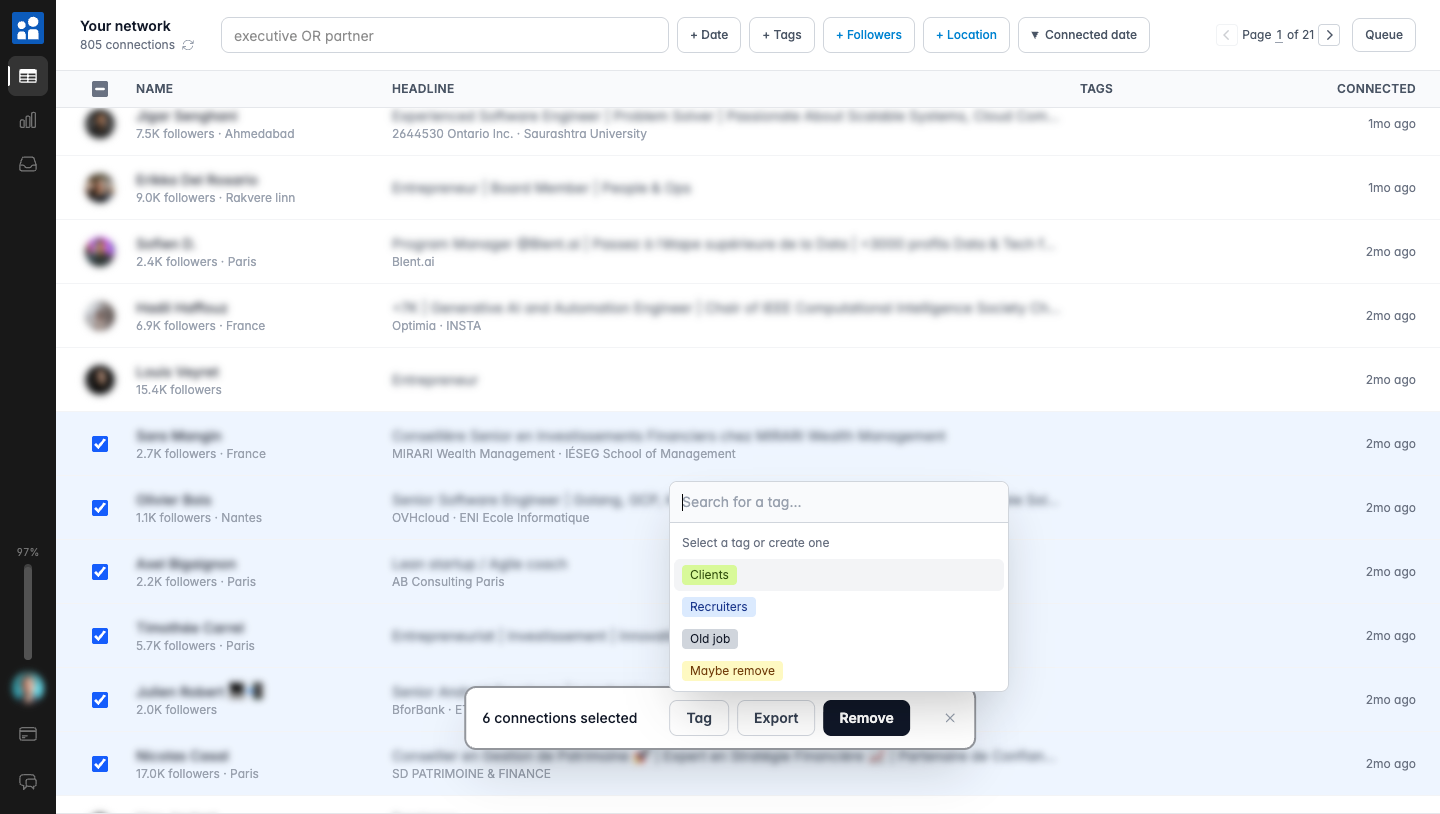
Group LinkedIn connections with color-coded tags before you remove them. Tag clients, recruiters, or old colleagues, then filter and act on each group.
- Export
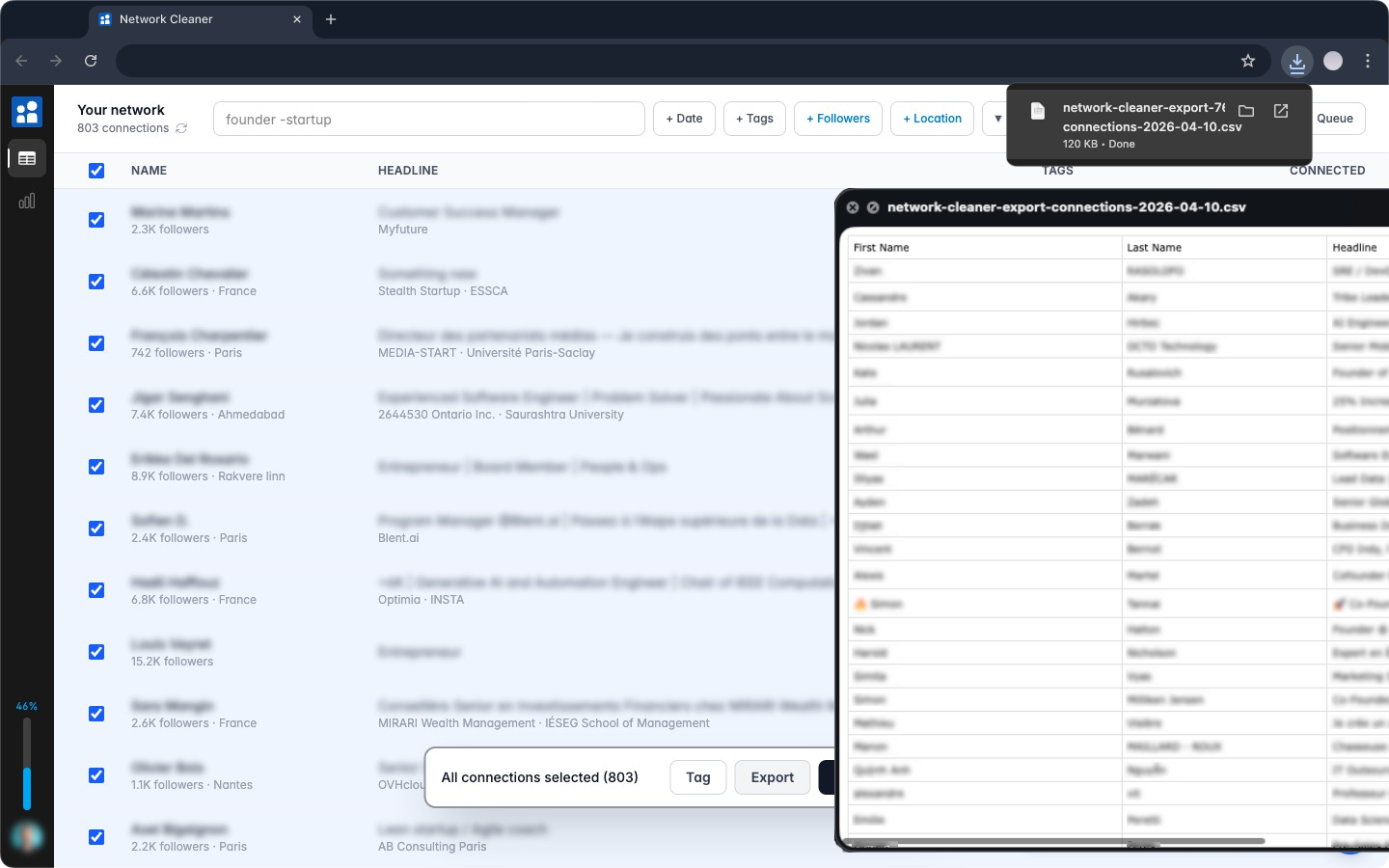
How to Export a Filtered CSV of Your Connections
Export exactly the LinkedIn connections you choose with Network Cleaner: filter by keyword, date, or tag, select in bulk, and download a CSV instantly.
- Network insights
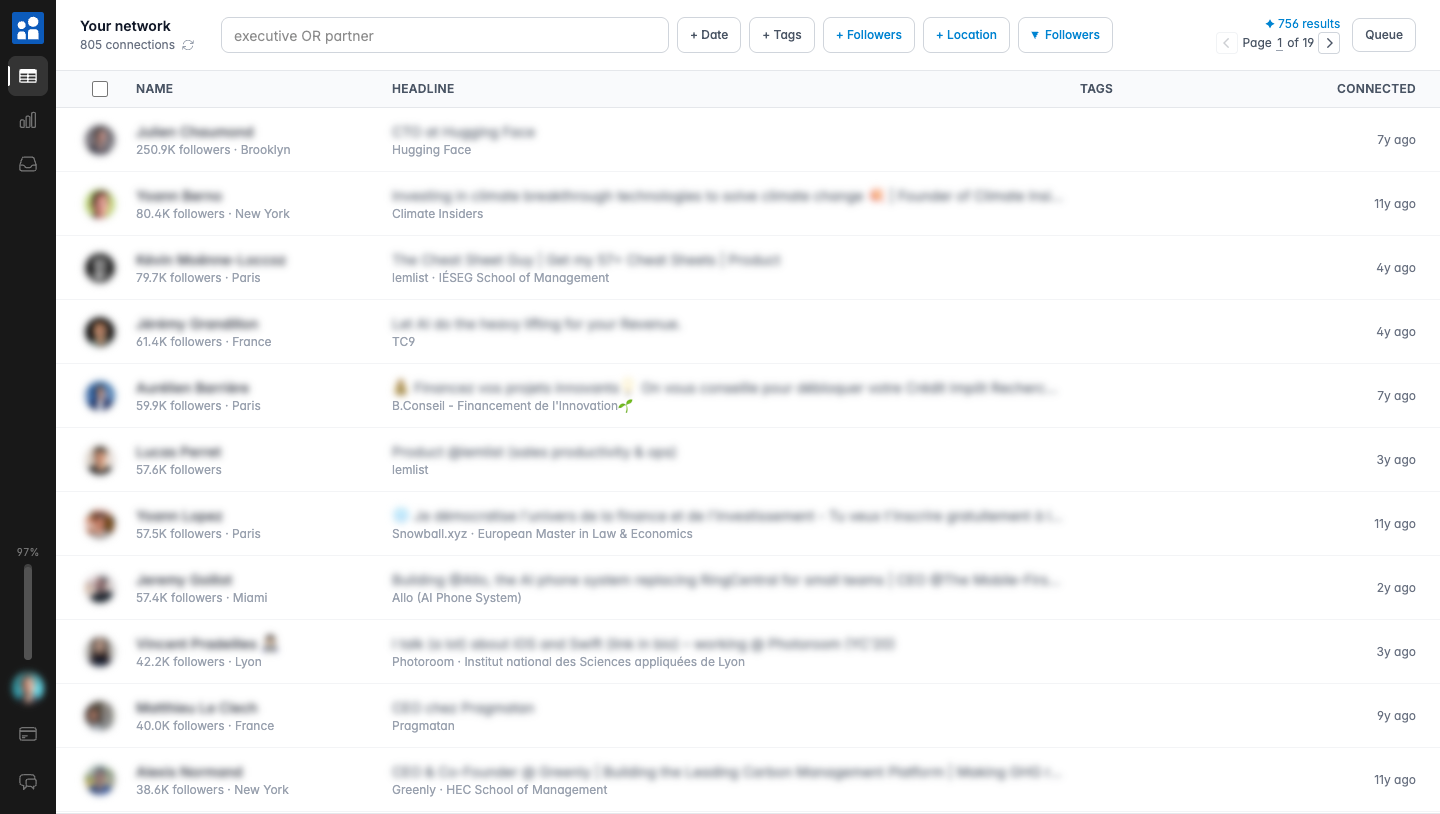
How to Find the Influencers in Your LinkedIn Network
Sort and filter your LinkedIn connections by follower count to surface the most influential people you already know. A two-minute use of Network Cleaner.
The Inbox
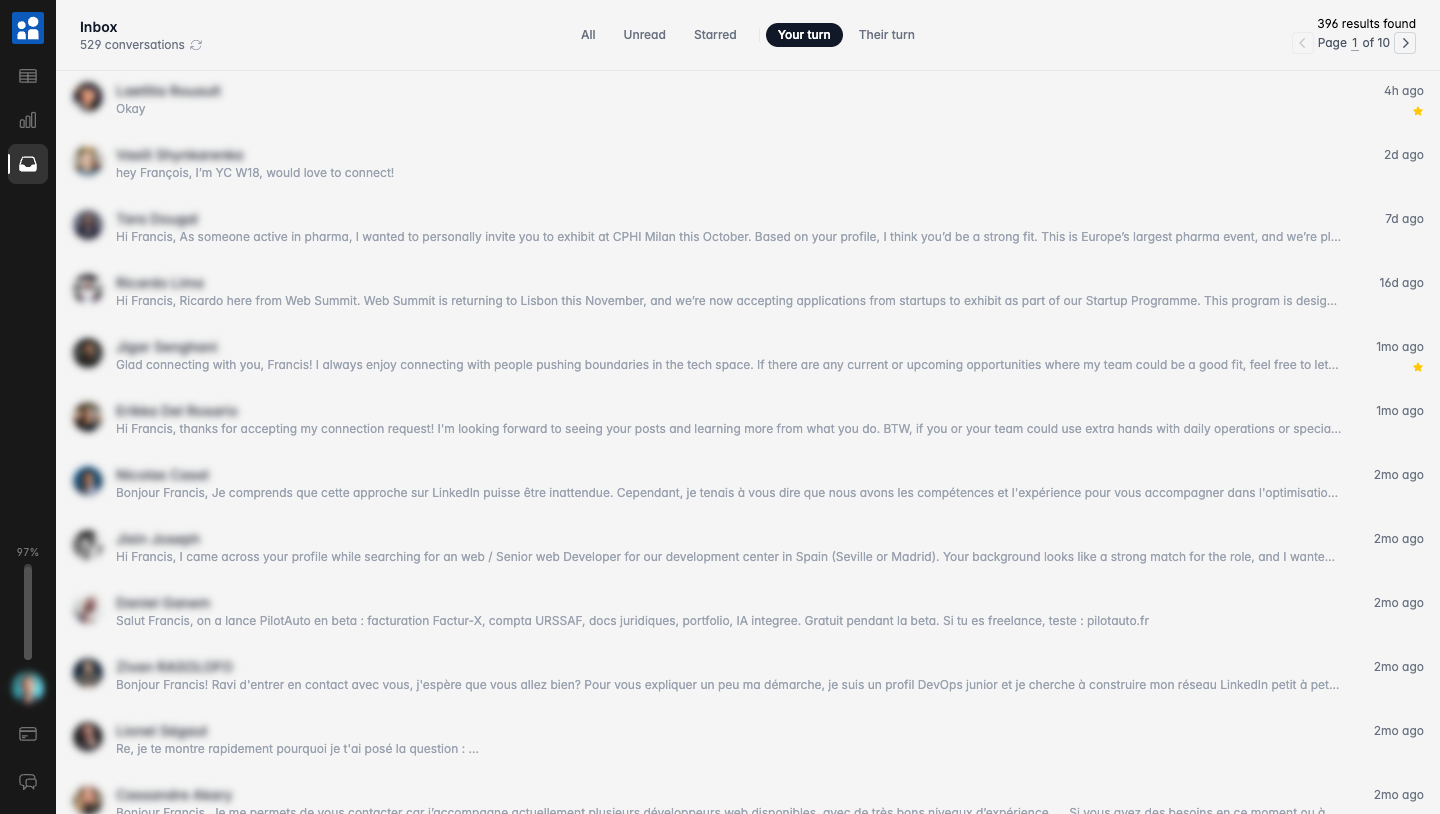
Network Cleaner's second superpower, and its own plan: your LinkedIn conversations, sorted by whose turn it is to reply.