Your LinkedIn network, under control
Browse, search, tag, and understand your network for free. Bulk removal and CSV export unlock with a one-time payment.
Browse
freeSee your entire network in one place
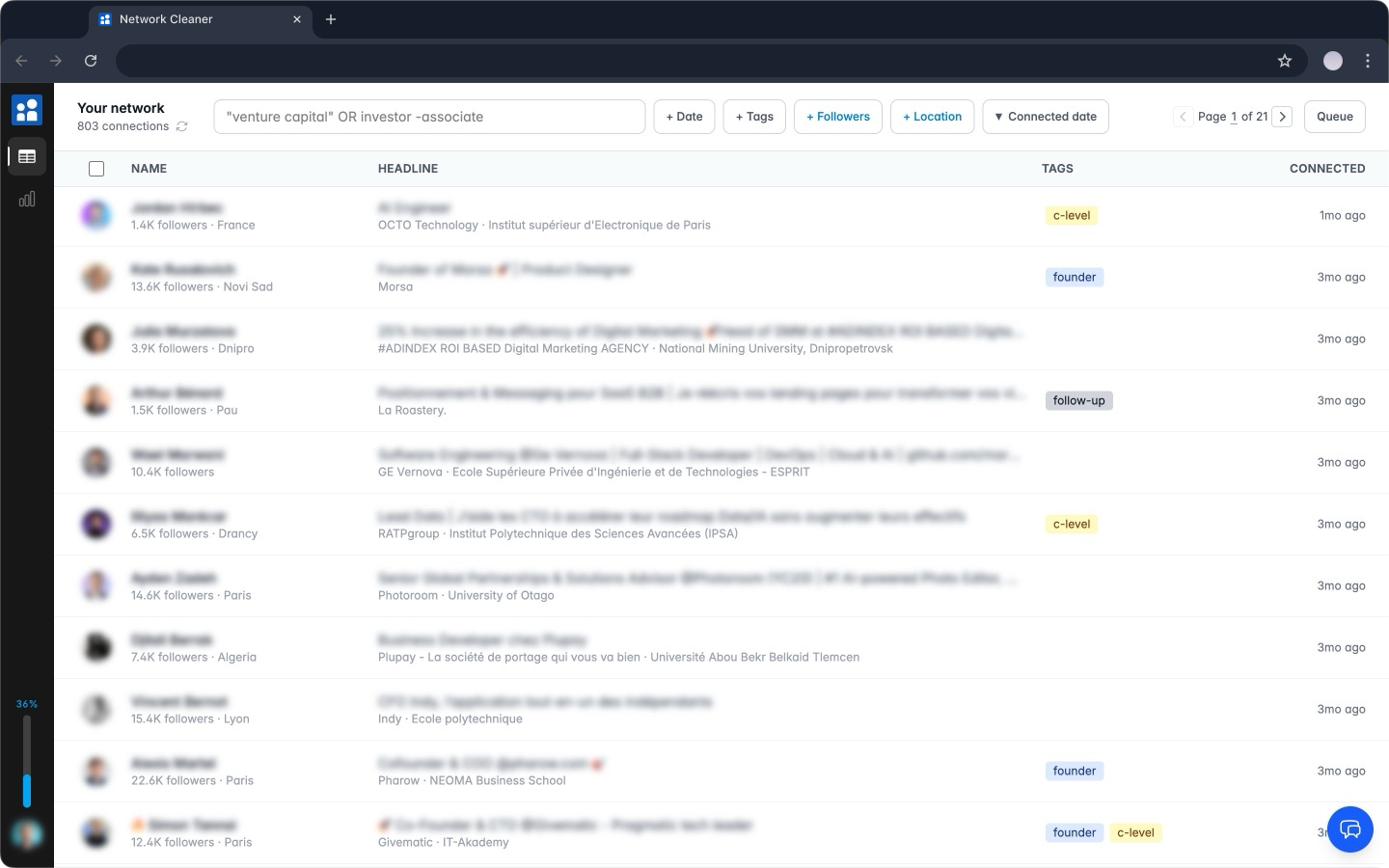
LinkedIn shows you 20 connections per page with no useful filters. Network Cleaner loads all of them at once. No infinite scroll, no losing your place.
- Blazing-fast pagination, no infinite scroll
- Rich details on every row: follower count, country, company, school, recent activity, all filled in automatically
- Visit a connection on LinkedIn and their details update on the spot
- Sort by name, headline, connection date, or follower count
- Jump between pages instantly, even across thousands of connections
Search & Filter
freeFind exactly who to remove
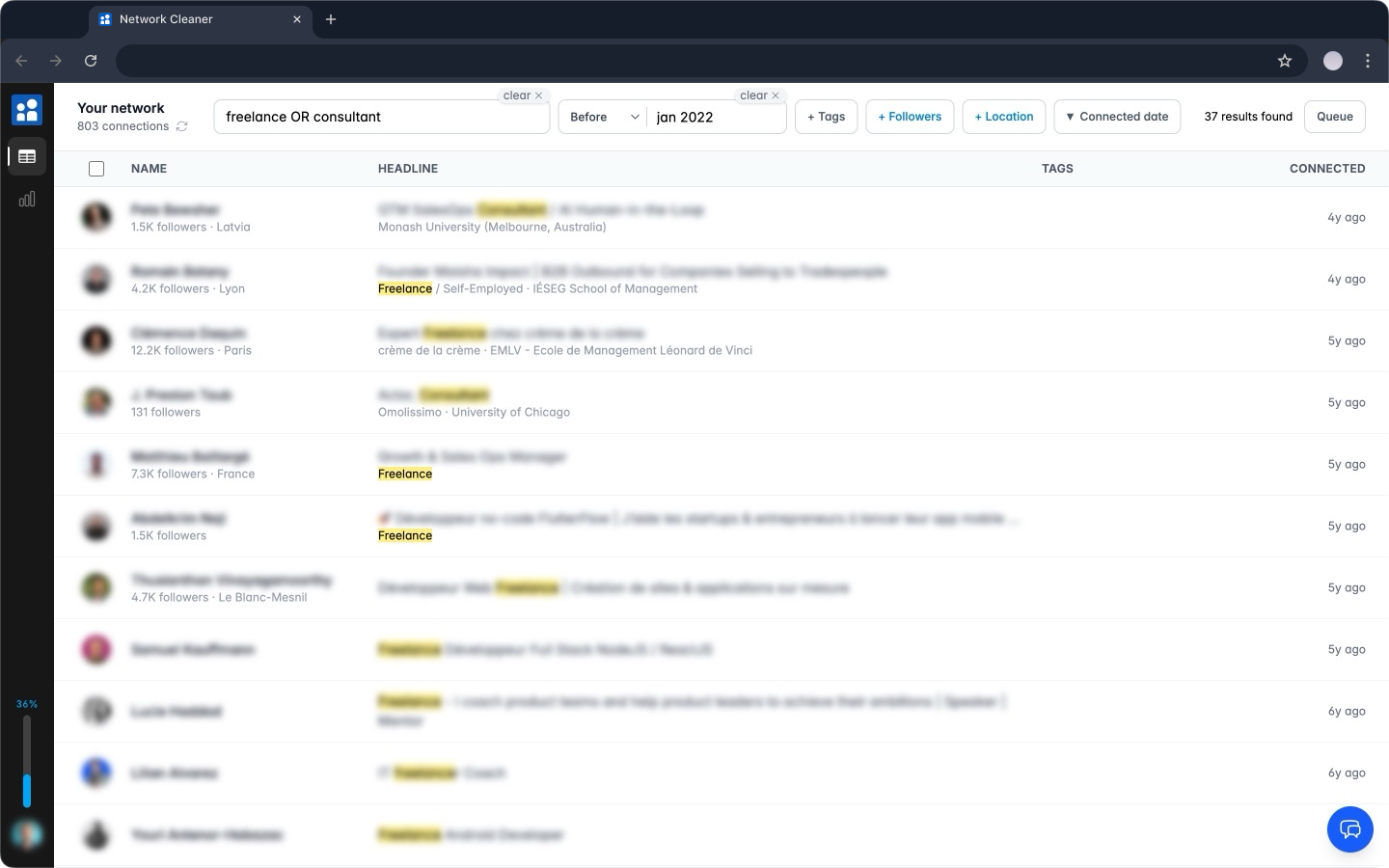
Search by name, company, school, or headline. Results are blazing fast and update as you type, with matching terms highlighted in yellow. Combine operators and filters to narrow down exactly who you're after.
- OR operator: "recruiter OR headhunter"
- Exact phrases: "VP of Sales"
- Exclusions: -agency to remove noise
- Date filters: before, after, or between specific dates
- Follower filter: spot big accounts your list never shows
- Location filter: city, region, or country with autocomplete
- Messages filter: never messaged, or already messaged
"Never messaged" is the blunt test of whether a connection was ever really one. Sync your inbox once and Network Cleaner tells you who you have never exchanged a single word with, and who you actually talk to. Rows show the conversations you already have with someone and open straight into the thread. LinkedIn holds both halves and joins neither.
Special filters
freeFind the noise in one click
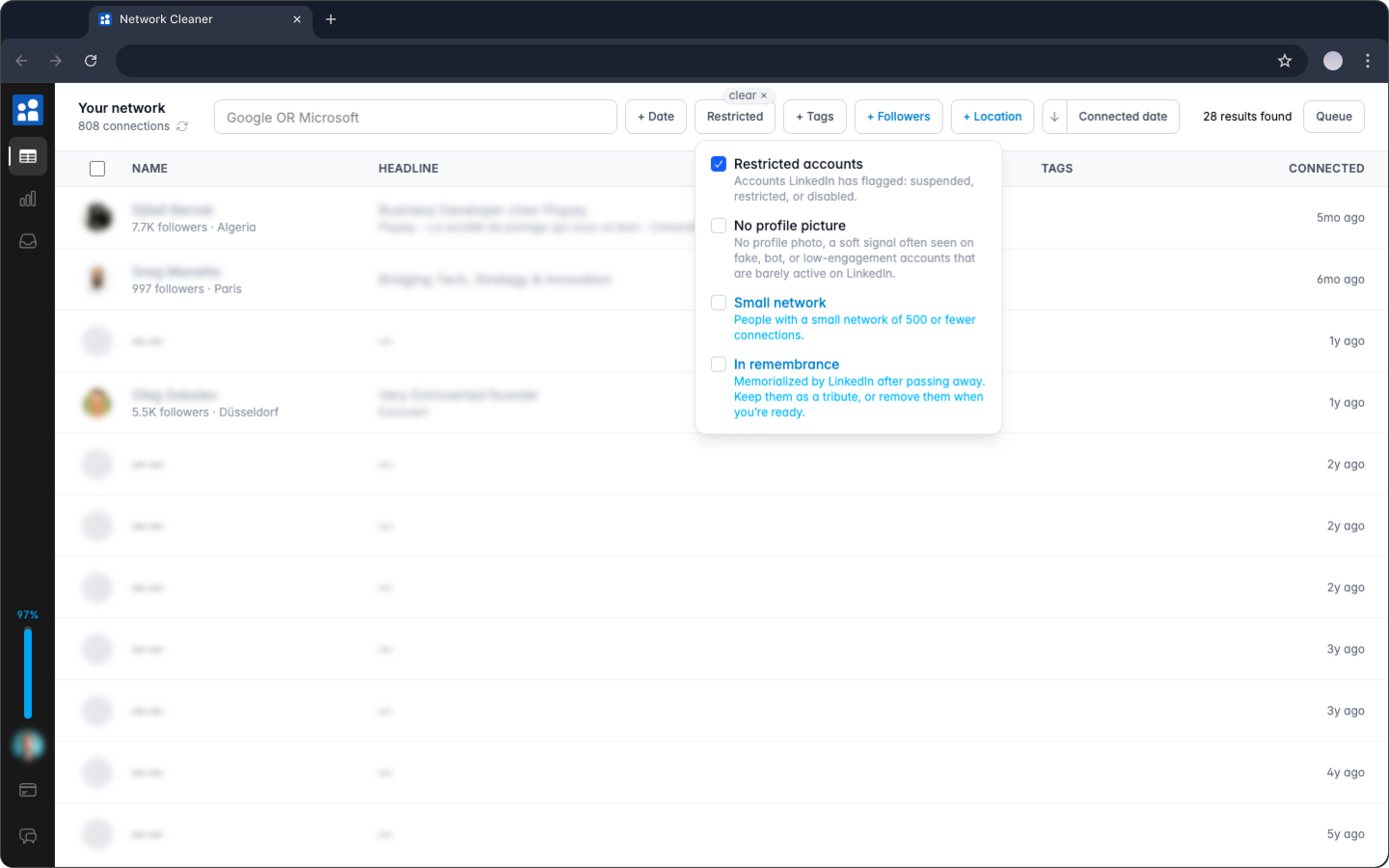
Some connections are obviously prunable: restricted accounts, fake-looking profiles, people who stopped using LinkedIn years ago. The Special filter surfaces them for you. One founder ran it on a 30,000-connection network and turned up roughly 1,100 prunable connections he never would have found by hand.
- Restricted accounts: connections LinkedIn has flagged as suspended, restricted, or disabled, often showing up blank
- No profile picture: a soft signal for fake, bot, or abandoned accounts
- Small network: people with 500 or fewer connections
- In remembrance: profiles LinkedIn has memorialized. Keep them as a tribute, or remove them when you’re ready
- Placeholder headline: the headline is nothing but "-", "." or "___". A profile someone never really filled in
- Hidden surname: the last name is a single initial, like "John D.". Worth a look, though plenty of people do it on purpose
- Combine them, then select and remove the matches
LinkedIn hides these accounts. Its own connection export shows them as blank rows you can't act on. Network Cleaner surfaces them so you can free up the slots they're holding.
Selection
freeSelect hundreds at once
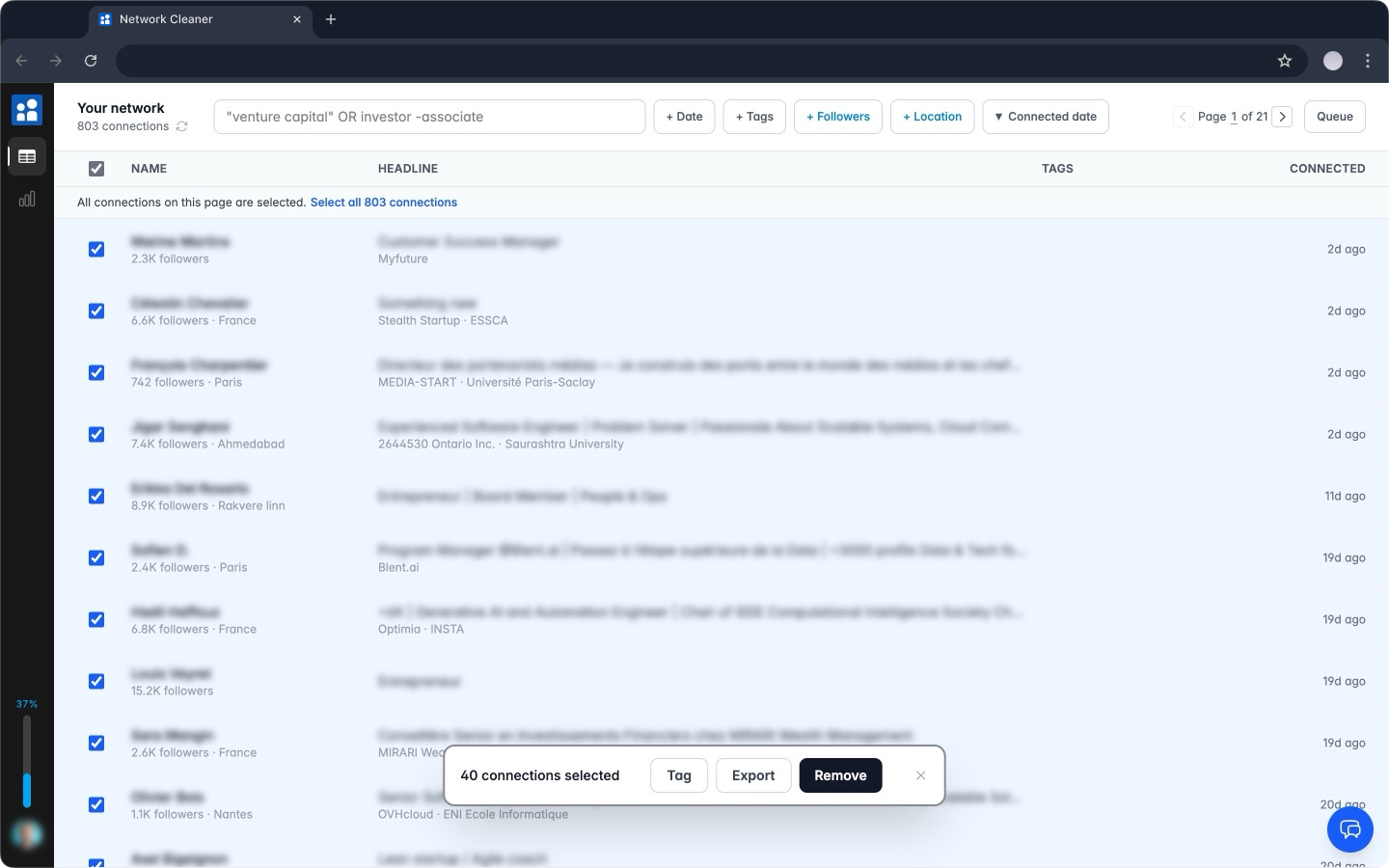
Individual checkboxes, shift+click ranges, or select every connection matching your current filters. The count updates in real time so you know exactly what you're about to do.
- Individual checkboxes for precise picks
- Shift+click to select a range, like a file explorer
- "Select all X matching" works across all pages
- Selection clears automatically when filters change
Tags
freeOrganize before you act
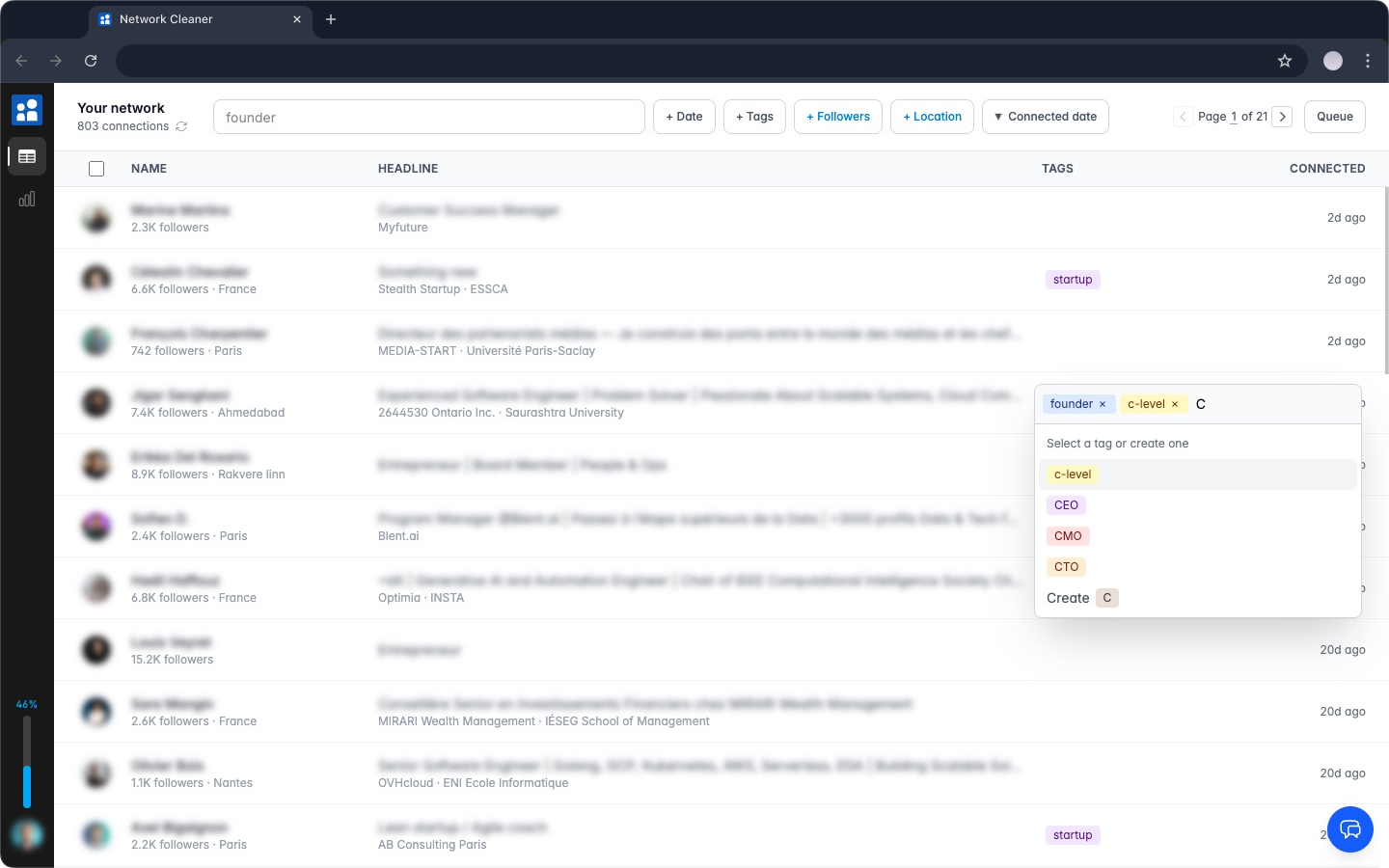
Not ready to remove someone but don't want to lose them in the noise? Tag them. Create tags with colors, assign them in bulk, then filter by tag when you're ready to act or export.
- Create custom tags with color coding
- Assign tags individually or to a bulk selection
- Filter connections by tag (contains / does not contain)
- Tags carry over to CSV exports
- The same tags show on your Inbox conversations
Stats
freeUnderstand your network at a glance
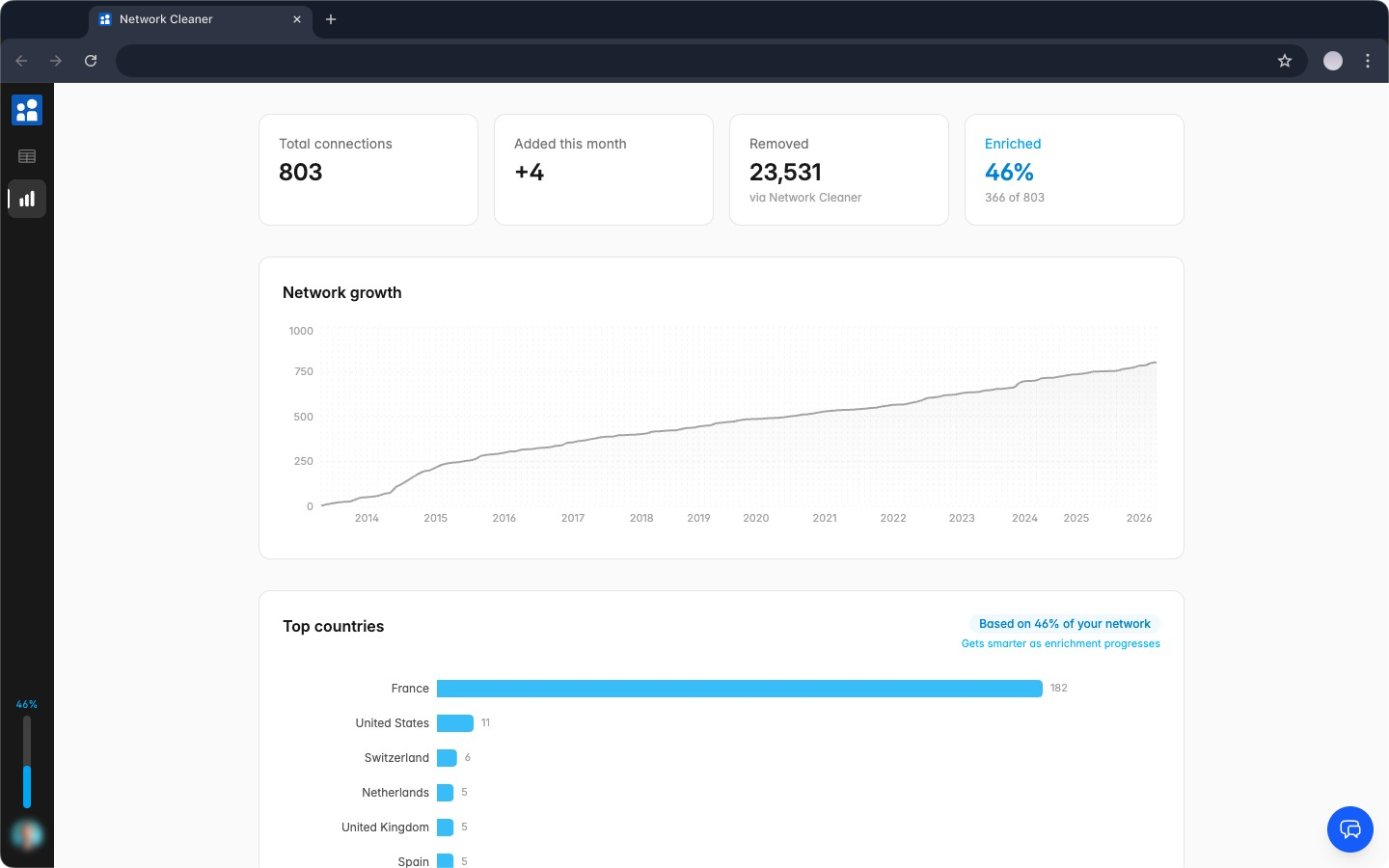
LinkedIn gives you a connection count and nothing else. Network Cleaner breaks down your network so you can see what's actually in it: where your connections are, what they do, and how your network has changed over time.
- Total connections, monthly additions, and removal count
- Network growth over time (visual chart)
- Top countries, headline keywords, and follower distribution
- Tag breakdown to see how your network is organized
Removal
one-time paymentHit remove on 857 conns. It handles the rest.
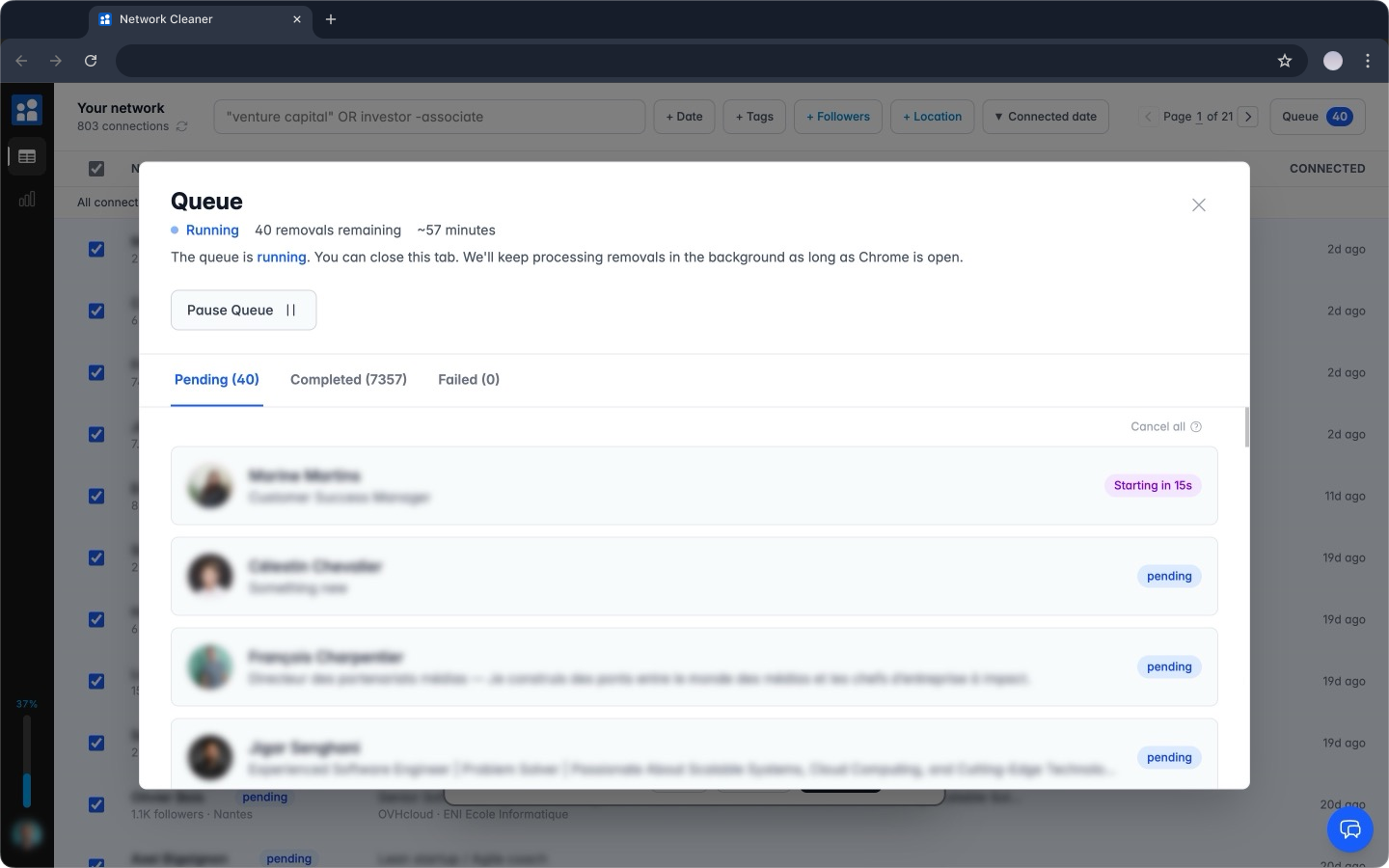
Queue hundreds of removals and walk away. The app works through them in the background, one at a time with smart delays, so the activity never looks automated. Plan on about three days per 1,000 connections.
- Runs in the background, tab can be closed
- Pause anytime, resume where you left off
- Auto-resumes when you reopen Chrome
CSV Export
one-time paymentExport the connections you choose
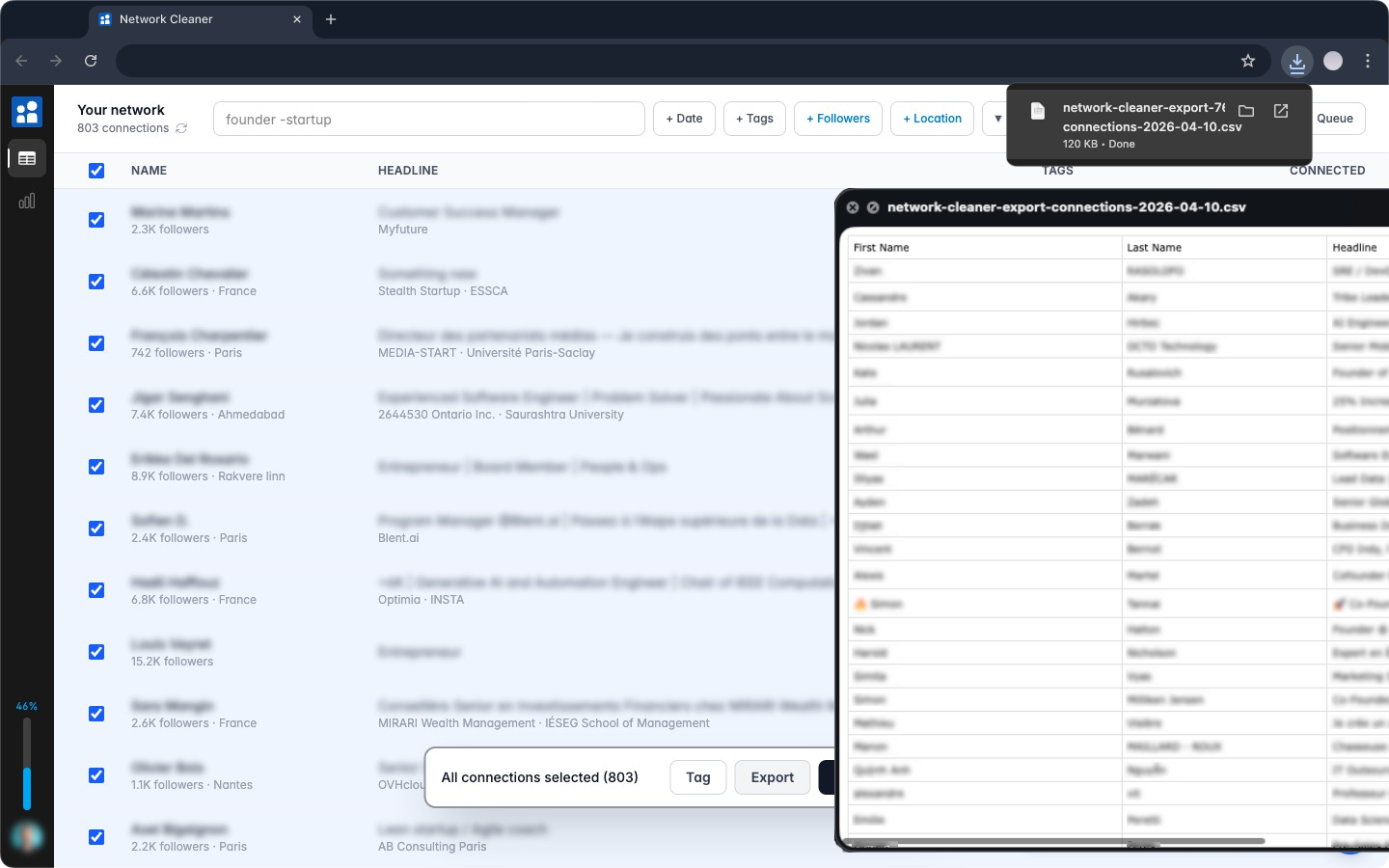
LinkedIn's built-in export gives you a raw dump of your entire network and makes you wait 24-48 hours. Network Cleaner exports exactly the connections you've selected or filtered, instantly, with more useful fields.
- Name, headline, profile URL, connection date
- Company, school, location (city, region, country)
- Follower and connection counts
- Last activity date and type: see who still posts and who went quiet
- Your tags, each in its own column
- Instant download, no waiting for an email
Privacy
built in = free foreverYour connections stay on your computer
Network Cleaner stores everything locally in your browser. Your connections, tags, and removal history stay on your machine. We never upload them.
Stored locally
Your connections, tags, and history live in your browser. Not on our servers.
No account needed
Install and go. No signup, no password.
No password, ever
We never ask for your LinkedIn password. Network Cleaner works with your existing LinkedIn session in Chrome.
Irrelevant connections hurt your business
Every irrelevant connection in your network creates real business problems. You're not just hoarding contacts. You're actively hurting your ability to do business on LinkedIn.
Your feed is full of noise
Important updates from prospects and partners get buried under posts from people you haven't talked to in years. You miss opportunities because LinkedIn's algorithm shows you irrelevant content.
You can't add valuable new connections
LinkedIn caps every account at 30,000 connections. Hit that ceiling and new people can't connect with you. Real opportunities, blocked by connections you forgot existed.
Manual cleanup takes forever
LinkedIn shows 20 connections per page. No bulk actions. No useful filters. Cleaning 5,000 connections manually would take literal hours you don't have.
65,000+ connections removed.
LinkedIn never once pushed back.
That number is measured, not estimated. So far, not one rate limit, block, or CAPTCHA. How we know.
Shut up and take my money! Having hit the 30,000 limit recently the only option was to request my LinkedIN archive, wait two days and then open the Connections.csv file, scroll to the bottom and start manually visiting my oldest connections first in order to remove old co-workers who are retired and no longer engage on the platform. Also now easy to find all those people trying to sell me leadgen services :-)

David Duccini
Founder and CEO at Silicon Prairie · Chrome Web Store review
Ready to clean up your network?
Free to install. Browse, search, and plan which connections to remove before paying anything.